

Course DeckNicolas Trevino
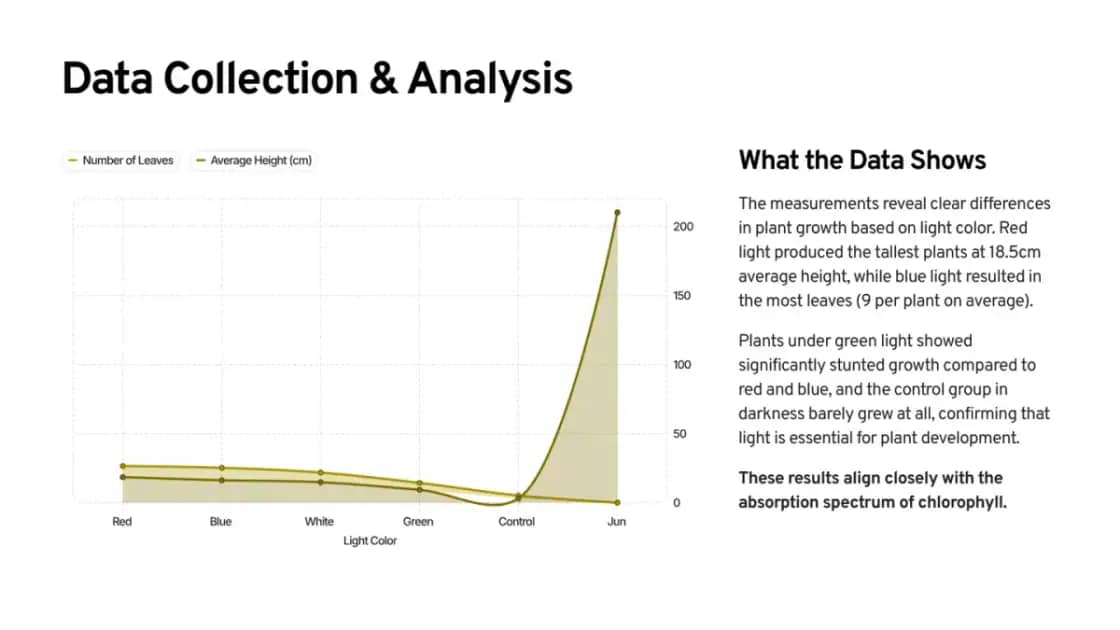
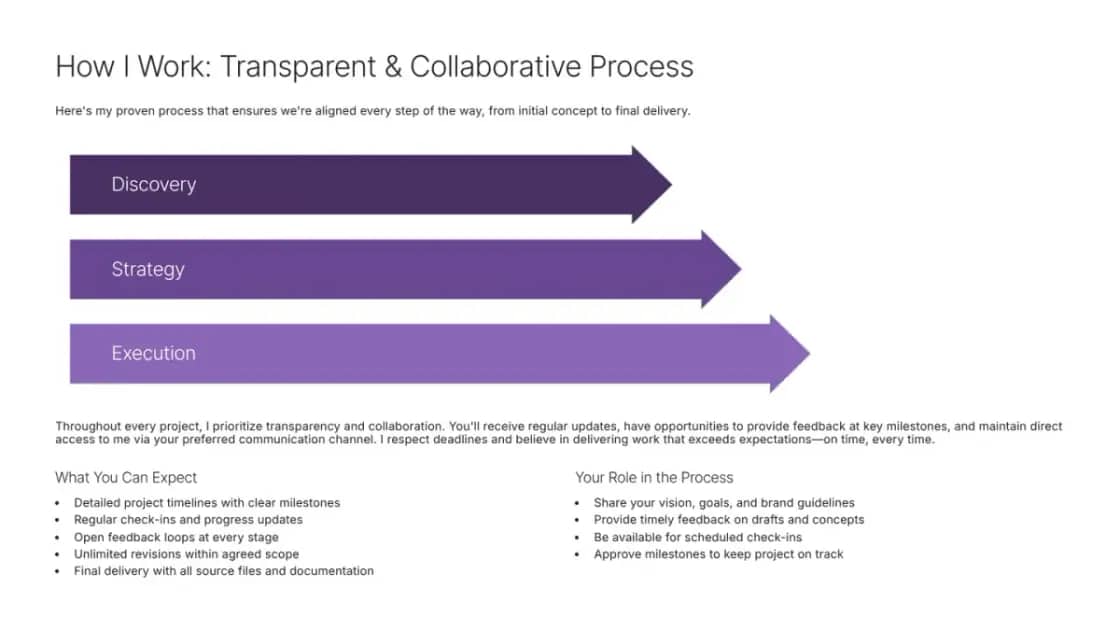
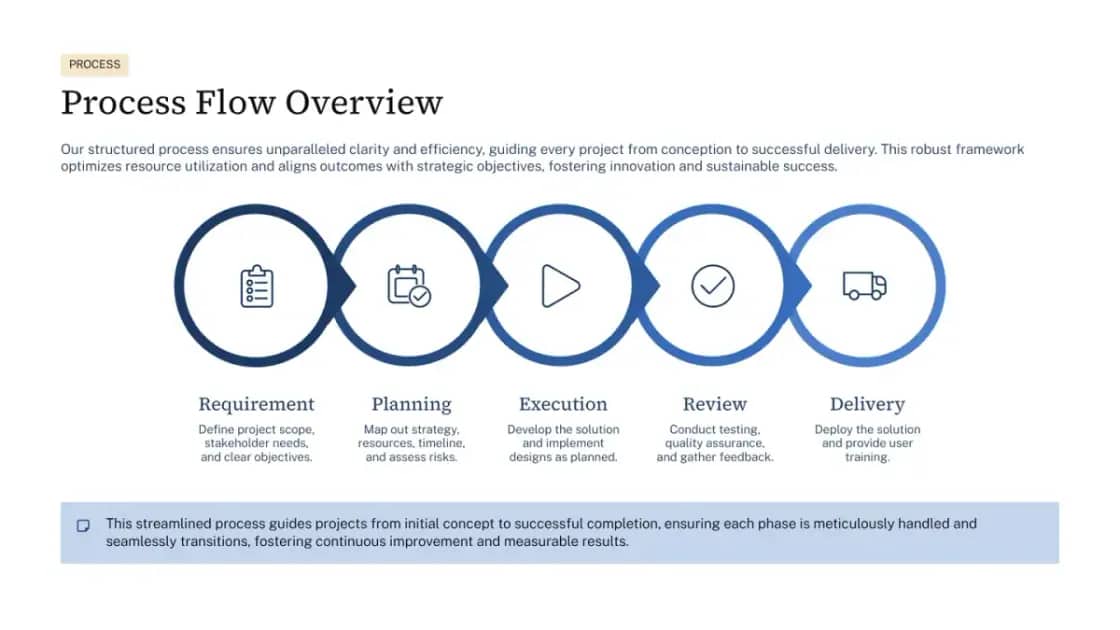
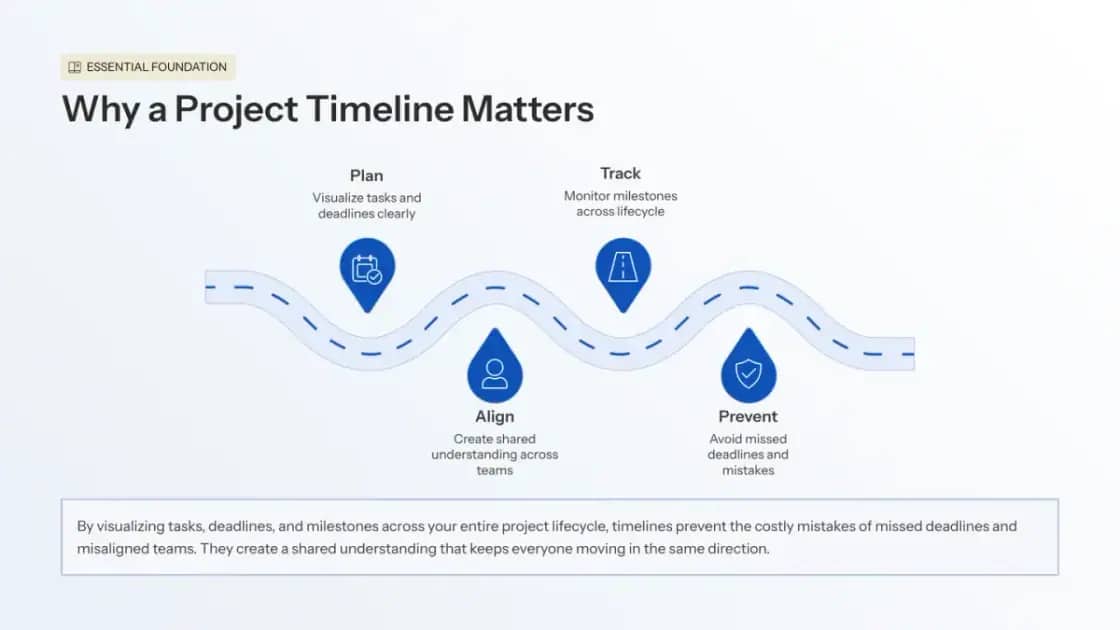
Select the Notion pages that matter, use them as source context, and generate an editable presentation without moving every heading and bullet by hand.
Keep the source material attached to the project while Deckwise turns the useful parts into a presentation structure you can continue editing.
Authorize Deckwise and share the pages you want the page picker to access.
Choose one page or combine several pages that belong in the same presentation.
Describe the audience and goal, generate the deck, then keep editing until the story is ready.
Select one page or combine several shared Notion pages as context for the same presentation.
Build the outline and first draft around the material you selected instead of starting from a blank prompt.
Reorder the story, rewrite slides, change layouts, and continue working in one editable deck.
Connect Notion, choose the pages you want to use, and add them as sources in Deckwise. Then describe the presentation you need and generate an editable outline and deck from that context.