

Startup PitchOlivia Rhye
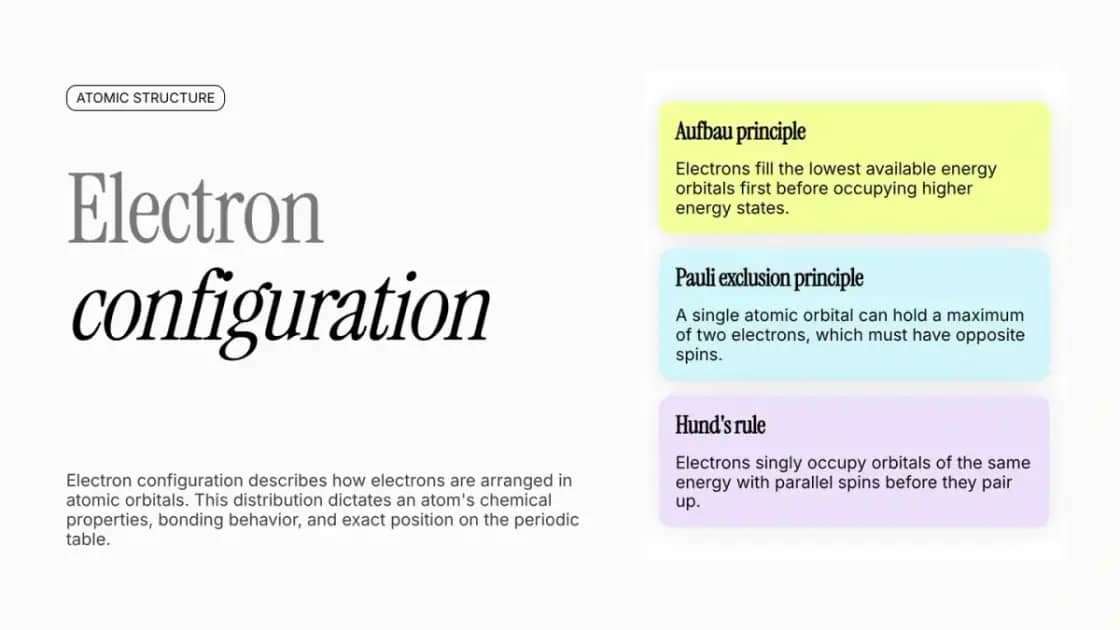
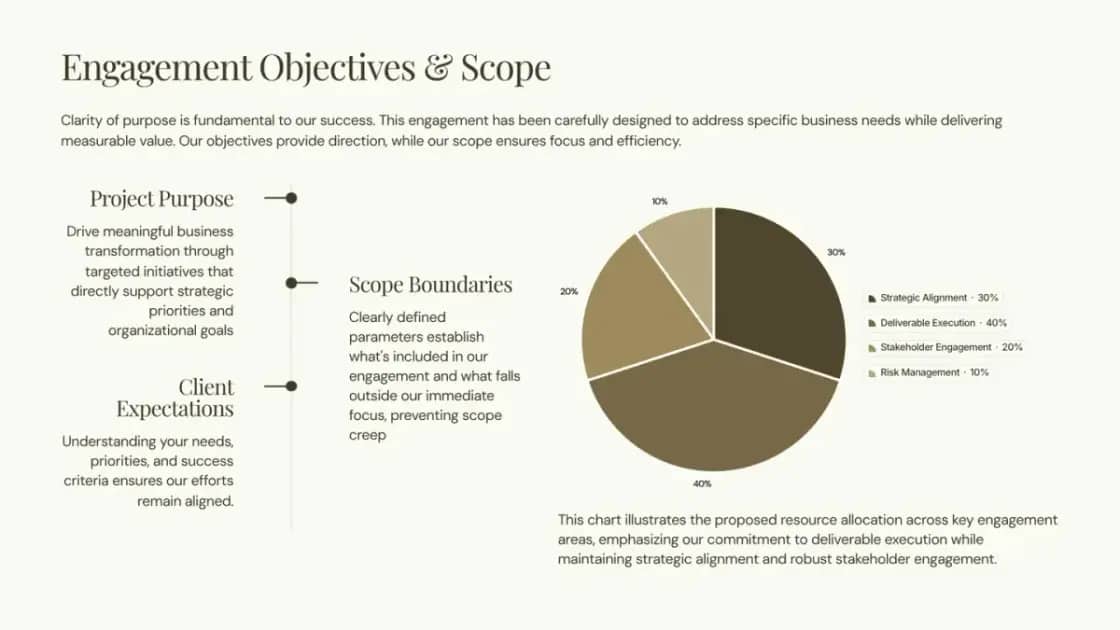

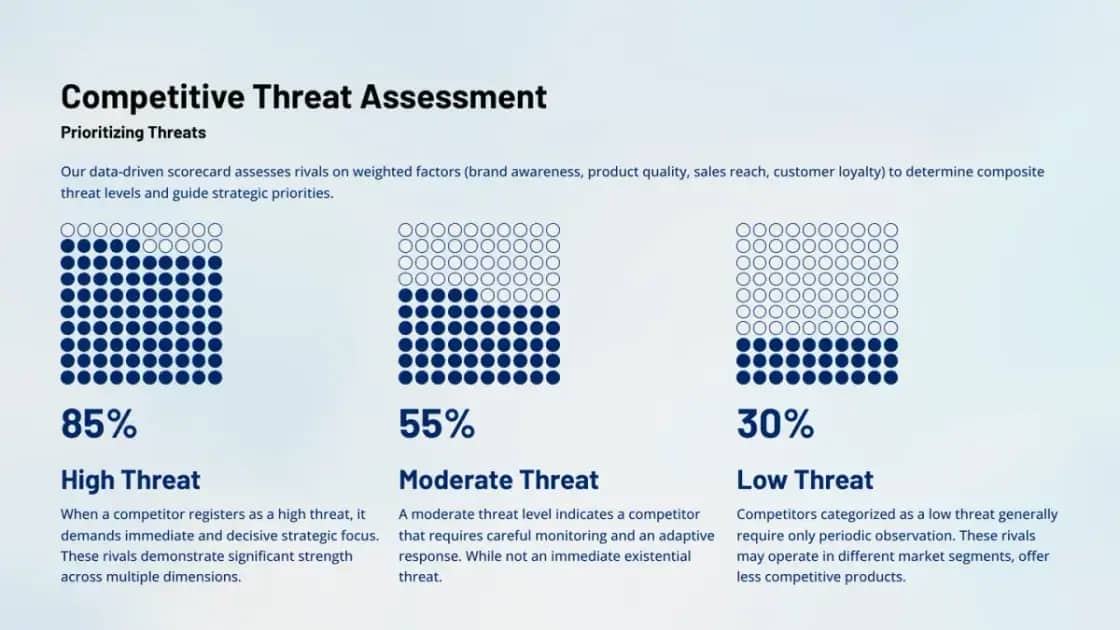
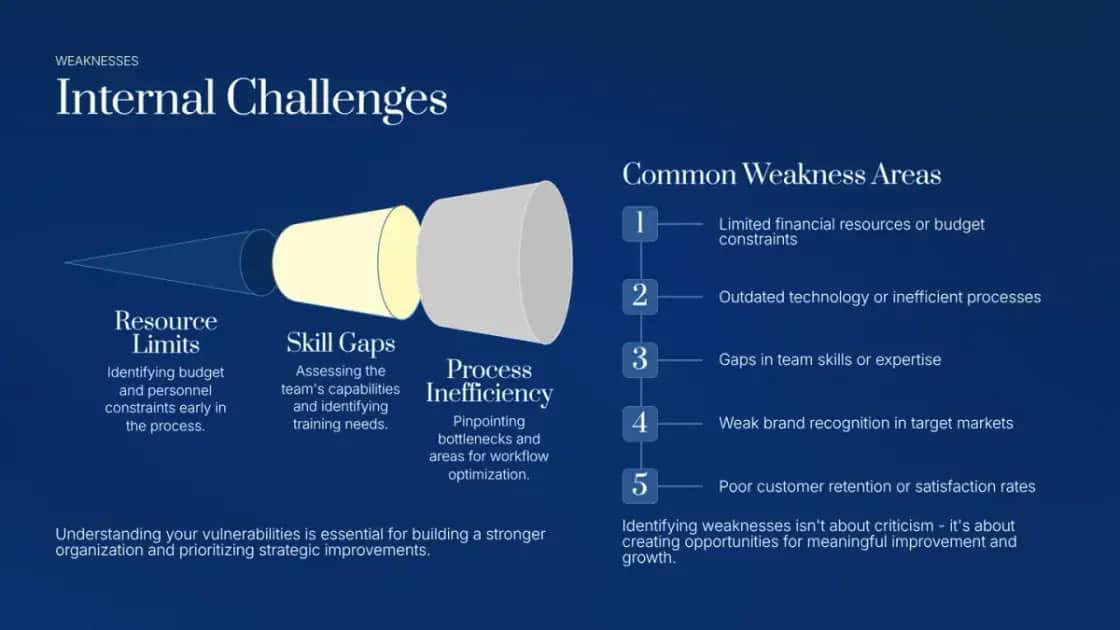
Get a clear score and slide-specific suggestions before you present. Deckwise helps you find what may confuse an audience and fix it inside the same editable deck.
Feedback is attached to the deck you are actually editing, so you can move from diagnosis to revision without rebuilding the presentation elsewhere.
Start with a presentation made in Deckwise or import an existing PowerPoint file.
Deckwise reviews the presentation and organizes feedback into slide-specific suggestions.
Apply a suggestion in the editor, dismiss it, and run the review again as the deck improves.
Review the full deck as a viewer would encounter it, not as a disconnected list of writing tips.
Each suggestion points to the relevant slide or set of slides, making the next edit clear.
Send a useful suggestion into the editor, or dismiss it when it does not fit your intent.
Audience review looks at the deck from a viewer's perspective and returns slide-specific suggestions. It helps you spot places where the story, wording, or visual hierarchy may be harder to follow before you present.